> ## Documentation Index
> Fetch the complete documentation index at: https://docs.aupaircal.com/llms.txt
> Use this file to discover all available pages before exploring further.
# Create your account
> Create a parent account to start a new household.
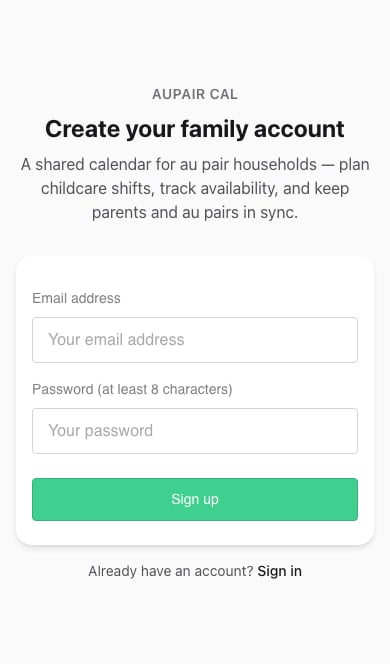
1. Open [Sign up](https://www.aupaircal.com/signup).
2. Enter your **Email address** and a **Password** with at least eight characters.
3. Choose **Sign up**. If asked to confirm your email, follow the message in your inbox before continuing.
4. Follow the household setup screens.
 Use an address you can access later for password recovery and account changes.
If a family member sent you an invitation, begin with that link. Follow [Accept an invitation](/family/join) so your account joins the right household.
Already have an account? [Sign in](https://www.aupaircal.com/login).
**Next:** [Name your household and choose its timezone](/setup/household).
This documentation is built and hosted on [Mintlify](https://mintlify.com), a developer documentation platform.
Use an address you can access later for password recovery and account changes.
If a family member sent you an invitation, begin with that link. Follow [Accept an invitation](/family/join) so your account joins the right household.
Already have an account? [Sign in](https://www.aupaircal.com/login).
**Next:** [Name your household and choose its timezone](/setup/household).
This documentation is built and hosted on [Mintlify](https://mintlify.com), a developer documentation platform.